
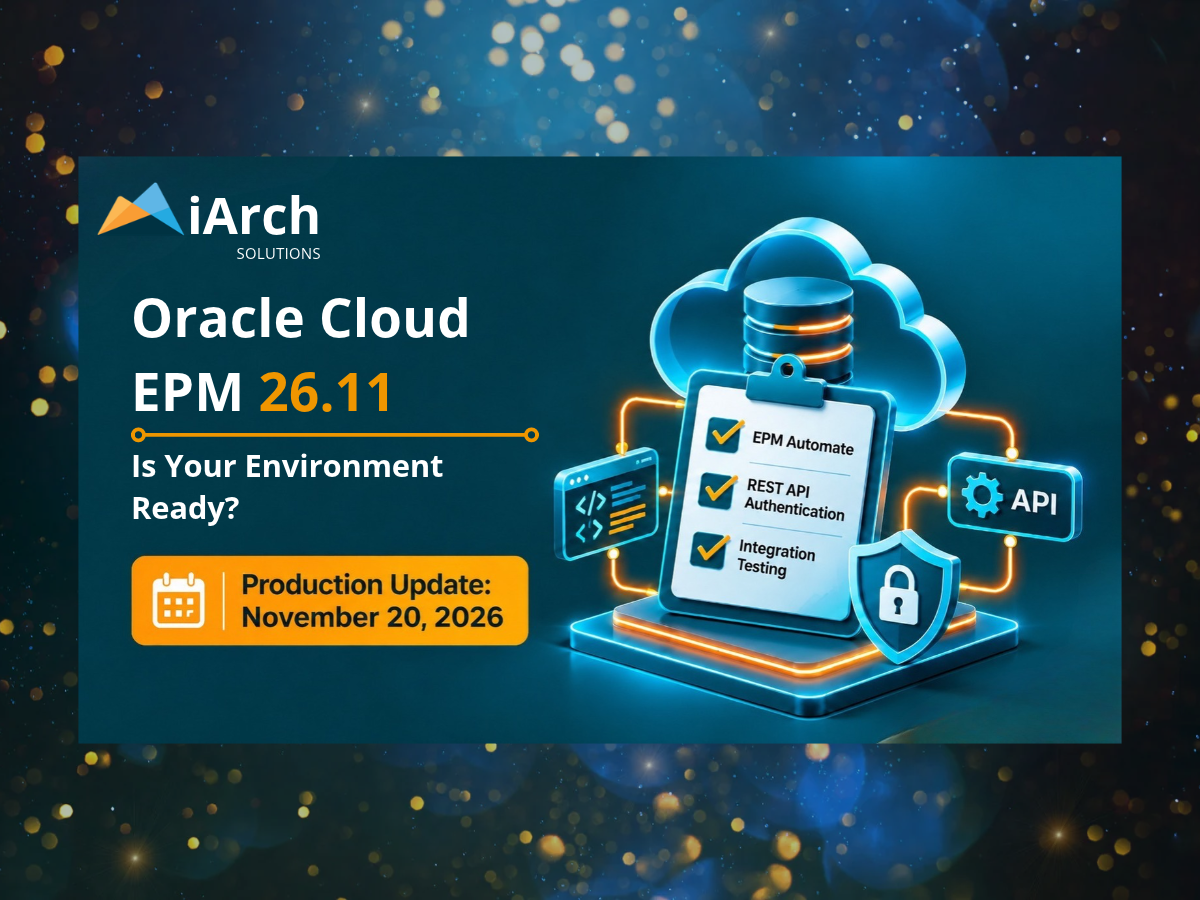
Preparing EPM Automate, REST APIs, and critical integrations before the November 20 production update.
Oracle Cloud Enterprise Performance Management (EPM) update 26.11 is scheduled to reach production environments on November 20, 2026. While the release introduces new capabilities, it also includes an important authentication change that could affect existing automation and integration processes.
For EPM administrators and IT teams responsible for Planning, Financial Consolidation and Close, Account Reconciliation, and other Cloud EPM applications, now is the time to verify that critical processes are prepared.
The biggest immediate concern? Scripts and integrations that still use cloud-account-prefixed usernames.
Here is what is changing, what needs attention before the production update, and what organizations should prepare for next.
What's Changing in Oracle Cloud EPM 26.11?
Starting with update 26.11, Oracle will no longer support usernames prefixed with the Cloud Account name when using the EPM Automate login command or Cloud EPM REST APIs.
Previously, both prefixed and unprefixed username formats were accepted.
For example:
Previously supported:
epmCloudAccount.example.user@example.com
Required going forward:
example.user@example.com
If an existing integration uses the older format, authentication may fail after the update.
This applies across multiple Oracle Cloud EPM business processes, including Planning, Financial Consolidation and Close, Account Reconciliation, Enterprise Data Management, and Tax Reporting.
The change makes it especially important to review unattended scripts, scheduled processes, service-account configurations, and integrations that rely on REST API authentication.
Oracle EPM 26.11 Readiness Checklist
Use the following checklist to prepare your environment and minimize the risk of interruptions to critical business processes.
1. Review EPM Automate Login Credentials
☐ Identify scheduled EPM Automate scripts and jobs.
☐ Search scripts, configuration files, and credential settings for usernames containing a Cloud Account prefix.
☐ Update affected usernames to the supported format.
☐ Validate authentication in an updated test environment.
☐ Confirm scheduled tasks run successfully after making changes.
Pay particular attention to scripts that run automatically without administrator intervention, including data loads, backups, metadata maintenance, and reporting processes.
2. Validate REST API Authentication
☐ Identify integrations that authenticate through Cloud EPM REST APIs.
☐ Review service accounts and stored integration credentials.
☐ Replace any unsupported cloud-account-prefixed usernames.
☐ Test authentication and representative API requests.
☐ Review error logs for authentication failures.
Integrations may operate successfully for months without manual interaction, making authentication changes easy to overlook until a scheduled process fails.
3. Test Critical Business Integrations
☐ Inventory high-priority integrations and dependencies.
☐ Test inbound and outbound data transfers.
☐ Verify scheduled data integration jobs.
☐ Validate relevant connections to other enterprise applications.
☐ Confirm that error notifications and monitoring work as expected.
Give additional attention to integrations supporting financial close, forecasting, reconciliation, and executive reporting.
These tests are recommended readiness practices rather than separate mandatory changes introduced by Oracle.
4. Prepare for the December 26.12 EPM Automate Deadline
November's authentication change is not the only upcoming requirement.
Starting with the December 26.12 update, Oracle Cloud EPM environments will no longer support EPM Automate clients from update 26.08 or earlier.
Oracle is also retiring support for the older encrypted password (.epw) file format.
☐ Identify the EPM Automate client version used on each automation host.
☐ Upgrade clients to version 26.09 or later.
☐ Regenerate encrypted password files using the updated encrypt command.
☐ Validate the new files and updated clients against supported environments.
☐ Check EPM Agent compatibility before replacing password files used by agents.
Oracle Cloud EPM 26.11 environments can still read both legacy and newer encrypted password formats, but 26.12 will require the newer format.
Preparing now can help avoid another round of authentication issues in December.
5. Confirm Production Readiness and Monitoring
☐ Verify the maintenance window for each production environment.
☐ Review test results and document unresolved issues.
☐ Confirm that critical scripts and integrations have designated owners.
☐ Prepare a post-update validation checklist.
☐ Monitor scheduled jobs and application logs after the production update.
☐ Document issues and escalation procedures.
Looking Ahead: Additional EPM Updates to Watch
Beyond the November and December authentication changes, administrators should also prepare for upcoming compatibility requirements.
January 2027: Oracle plans to deprecate Java Development Kit (JDK) 17 support for EPM Automate on Linux and UNIX. Organizations using these systems should prepare for JDK 21.
February 2027: Oracle Financial Reporting is scheduled to stop working with Cloud EPM update 27.02. Organizations with remaining Financial Reporting content need to complete migration to Reports.
These changes reinforce the importance of regularly reviewing Oracle's readiness documentation instead of waiting for an unexpected integration or reporting issue.
Why Proactive EPM Maintenance Matters
A successful EPM update is about more than confirming that the application itself is accessible.
Enterprise Finance teams depend on complex connections among planning applications, data sources, consolidation systems, scheduled automation, and reporting tools.
A single failed authentication process could delay a data load, interrupt a scheduled job, or affect the availability of financial information.
For organizations managing multiple applications and integrations, proactive testing helps reduce disruption and supports confidence in business-critical processes.
Keep Your Oracle EPM Environment Running With Confidence
Oracle Cloud EPM continues to evolve, bringing new functionality, security enhancements, and integration capabilities. But keeping pace with those changes requires careful planning and technical expertise.
At iArch Solutions, we help organizations maintain, optimize, integrate, and modernize their Oracle EPM environments.
Whether you're preparing for an upcoming update, troubleshooting an integration, or looking to improve your application architecture, our team can help you identify risks and build a practical plan.
Don't wait for an integration failure to discover that something needs updating.
Learn how our Application Consulting & Integration services can help your organization move forward with confidence.